Notes / Design
Your app can't miss this animation
See how Paper Design Shaders will give your website a unique vibe
· 2 min read
Introduction
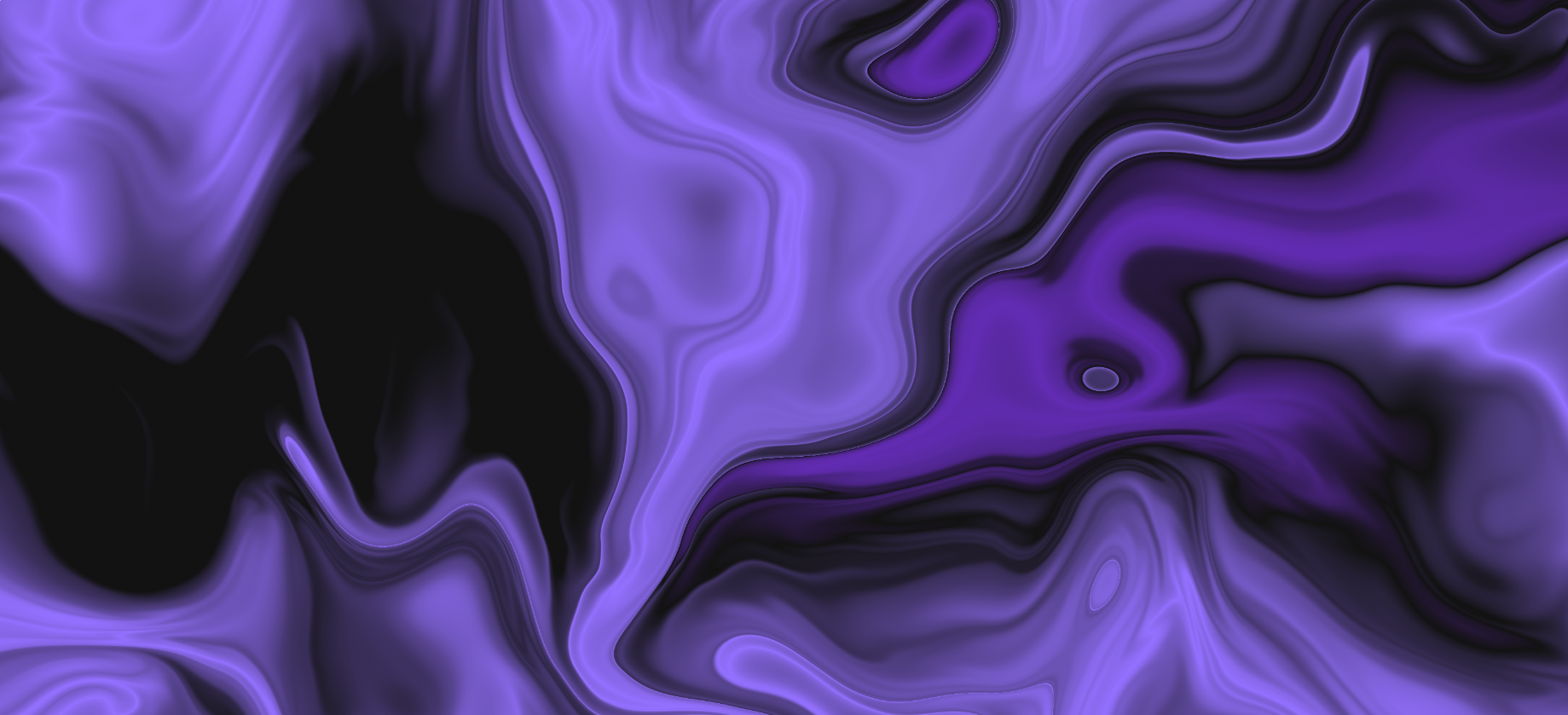
It's not hard to build an app or a website with AI these days. It's harder to make it stand out from other apps made by AI. That's why one of the categories on the blog will be design, where I'll post effects, libraries, packages, components and elements that I find interesting to put on a website to give it a bit of a unique character. Without further ado
What is Paper Shaders?
It's a package that lets you add unique effects of predefined shaders to your app, which on their own are hard to implement, in a very simple and flexible way.
Installation
We install them as follows
// React
npm i @paper-design/shaders-react

// vanilla
npm i @paper-design/shaders
Using Paper Shaders Design
For now, the creators have released a simple version of the website, which they plan to expand, where we can see what shaders are available and how they can be modified with a live preview. You can find it here. You can play around on this website and then just enter the right values in your own code.
The components are named exactly like the shaders, so to use the wave shader we import it from
import { Waves } from '@paper-design/shaders-react'

<Waves />
Each component has various attributes available, which you'll also find on the website above. You can then pass them directly to the component.
<GrainGradient
  colors={["#13293d", "#2a628f", "#13293d"]}
  colorBack="#13293d"
  scale={1}
  rotation={180}
/>
We can also use ready-made presets for the object, whose names can be found at the very top of the preview.
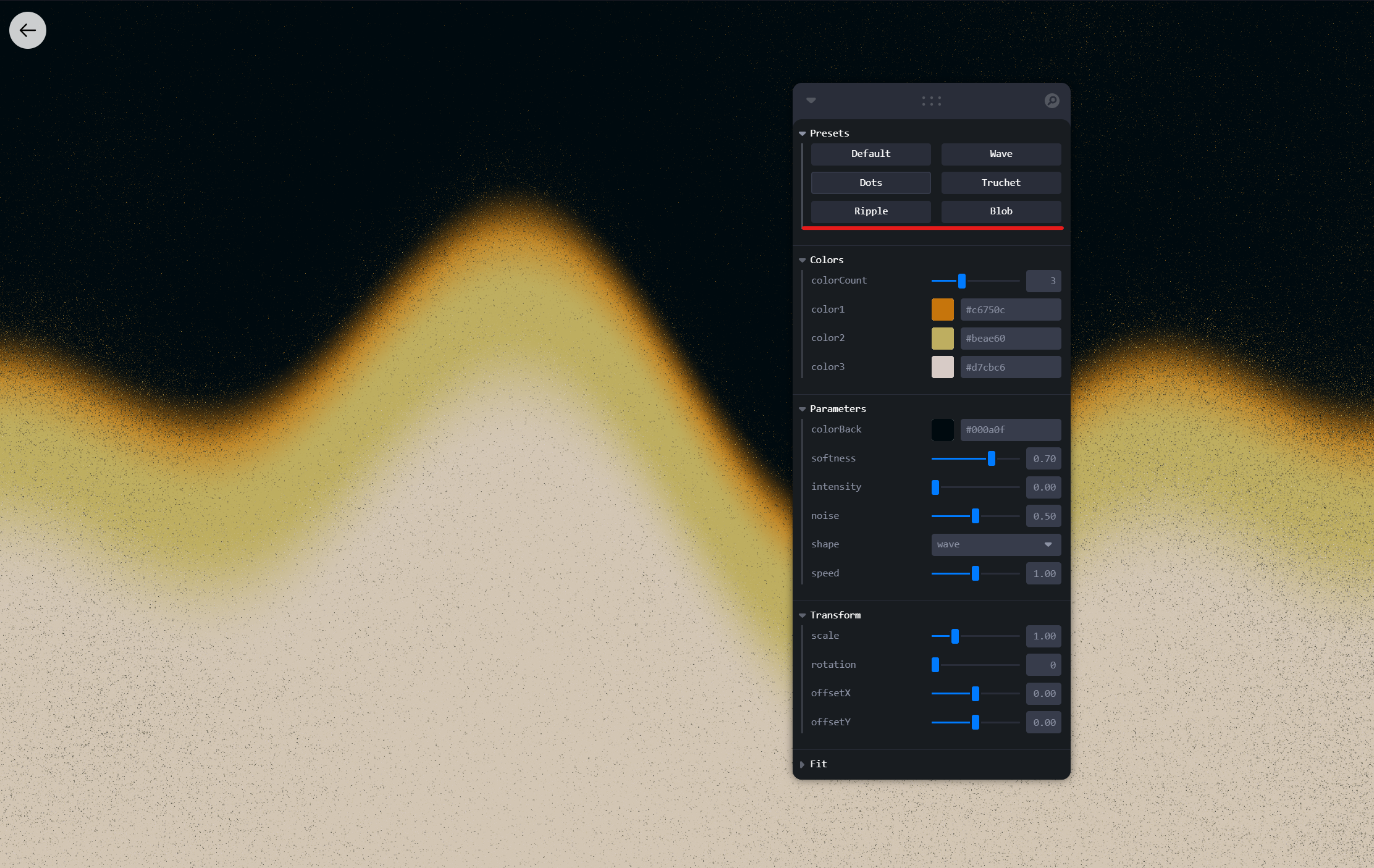
To use one, we need to import their values and pick it by name.
// The name is always the shader name with the Presets suffix
import { Waves, wavesPresets } from '@paper-design/shaders-react'

// Pick the preset with the given name from the list
var waveParams = wavesPresets.find(preset => preset.name === "Groovy")?.params

// We can adjust it if needed
waveParams.scale = 0.5

// Pass the preset to the component
<Waves
  {...waveParams}
/>
This way we've added a shader to our website. One small note at the end. Shaders are rendered on the user's side, so on a weaker computer it may look a bit choppy for them.