Notes / Context Engineering
Up-to-date documentation for your assistant
The best MCP for up-to-date documentation for your coding assistant
· 1 min read
Introduction
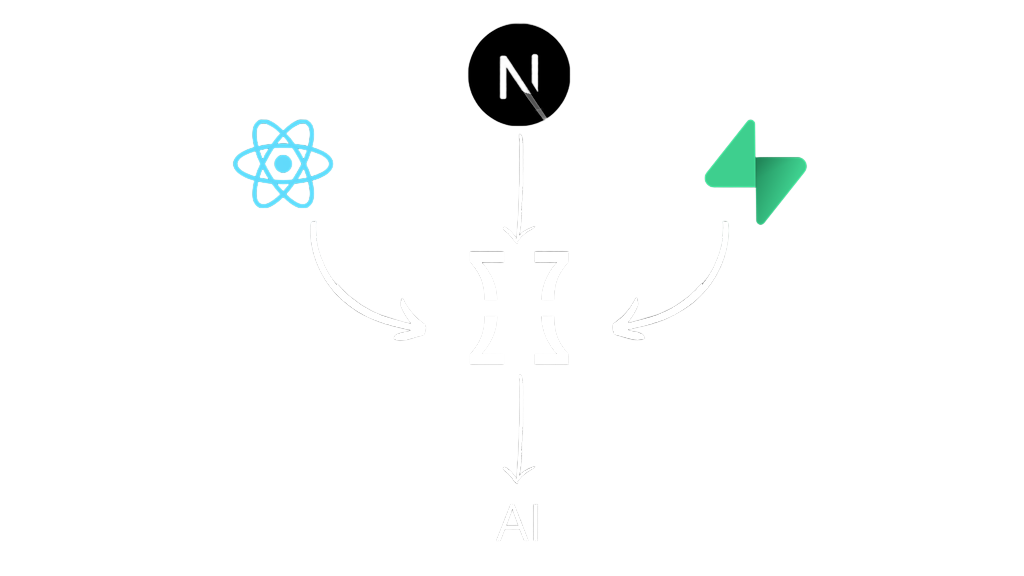
Language models are limited by the date of their training data. This means their knowledge is only up to date until a certain point in time, which is called the model cutoff. What's more, models are trained on data from the Internet, which often contains errors, is outdated or simply no longer valid. Because of this, the answers and generated code can be of lower quality, outdated or even hallucinated. When writing code, this problem is solved by the context7 MCP, which gives the model tools to fetch the latest documentation.
What is Context 7 MCP?
Do you want the foundations of your app to be solid from the very beginning? Or maybe you're working on a new feature and you care about up-to-date code? All you need to do is add the instruction use context7 to your prompt. Thanks to this, the model will fetch the latest documentation related to your request and use it to generate the answer.
Prepare a base for a next.js app for me. Use the app router and create some sample home page. Use context7
The whole server consists of two functions:
- resolve-library-id, which queries the server for the internal documentation ID (e.g. we ask for next.js and it returns “/vercel/next.js”)
- get-library-docs, which takes the internal ID and returns documentation snippets related to the topic.
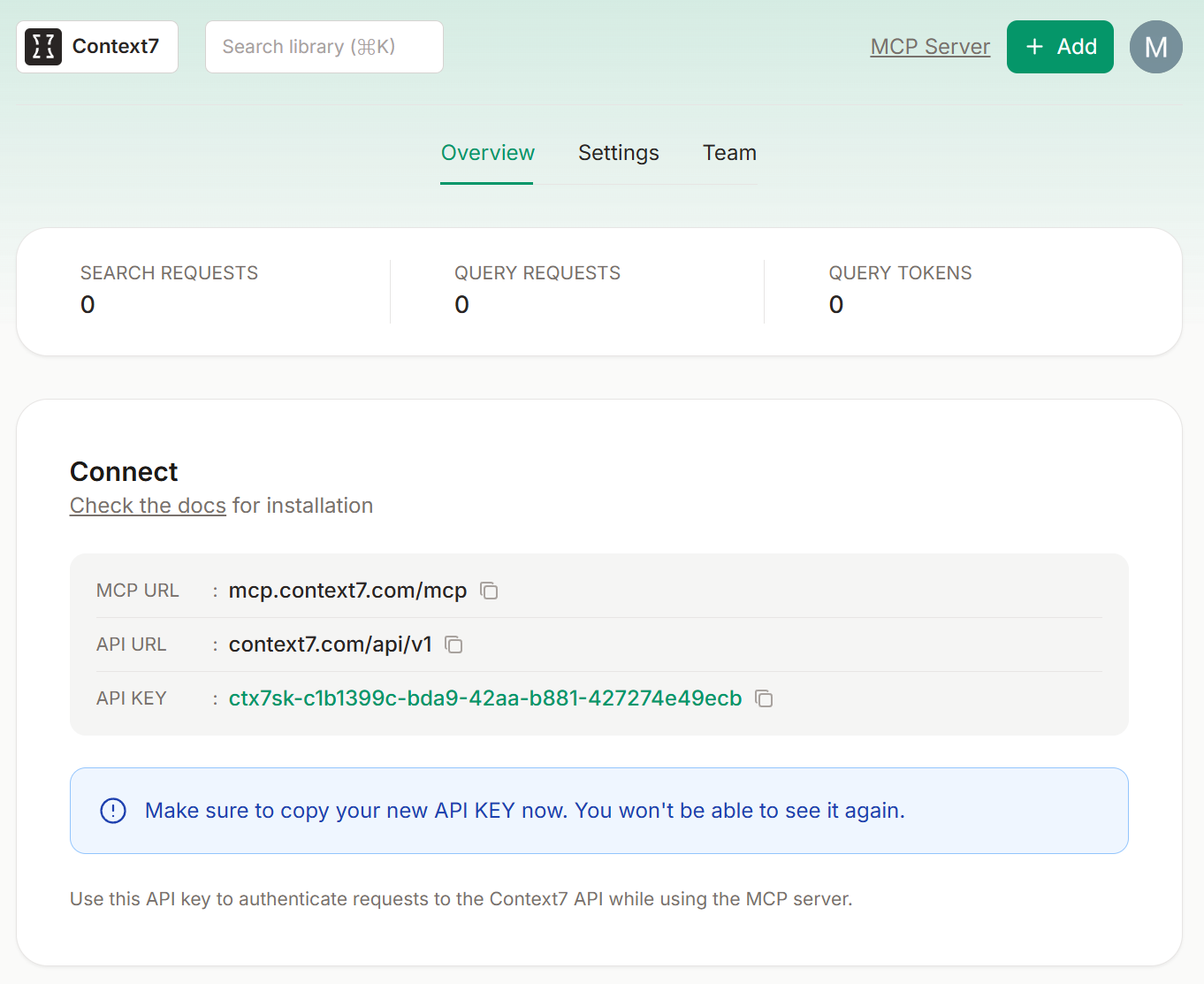
Currently context7 is available for free, but with some limits, which can be increased by signing up on the website: https://context7.com. We then get an API key, which is optional to provide when configuring the server.
The library itself is public and available on GitHub: https://github.com/upstash/context7
The creators have also prepared detailed instructions on how to integrate the library with practically every coding assistant: https://github.com/upstash/context7?tab=readme-ov-file#️-installation